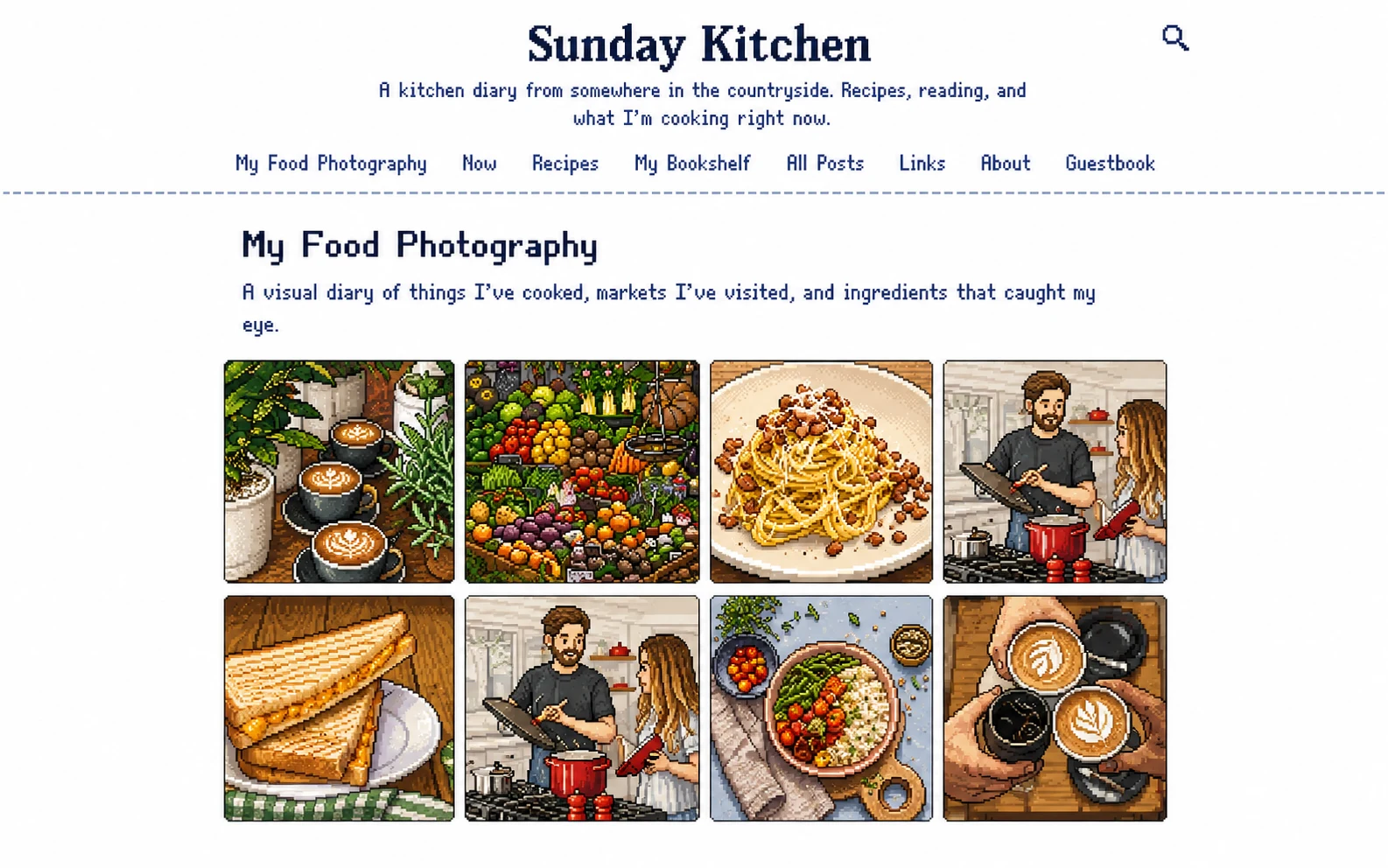
Photo albums
Drag photos in, reorder them by dragging, write captions if you like, pick a cover. Aspect ratios are preserved — your tall portraits stay tall, your wide landscapes stay wide. No forced cropping into a Pinterest grid.

Features / Page types
A blog is more than a stack of posts. It's a small site about a person. So Pen to Kami ships with page types you'd otherwise have to wire up yourself — photo albums, recipe collections, bookshelves, guestbooks, private sections. You add one from the page menu, fill it in, and it has its own URL on your blog. No custom code. No plugins to install.

Drag photos in, reorder them by dragging, write captions if you like, pick a cover. Aspect ratios are preserved — your tall portraits stay tall, your wide landscapes stay wide. No forced cropping into a Pinterest grid.
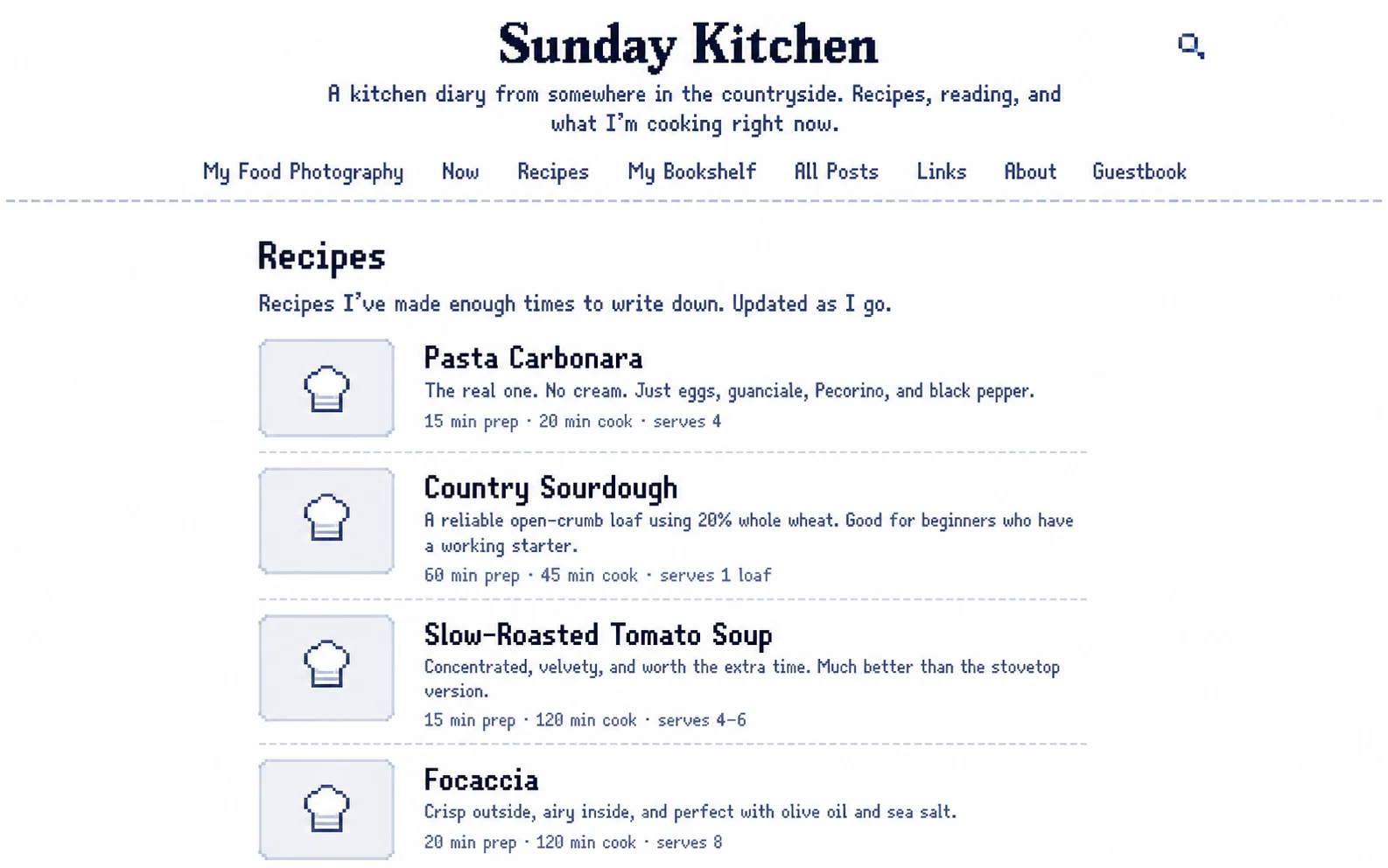
Each recipe is its own card with a photo, ingredients, and steps. Add as many as you want and they sit together on a single page. The kind of thing that used to live in a printed binder, now living on your own domain.
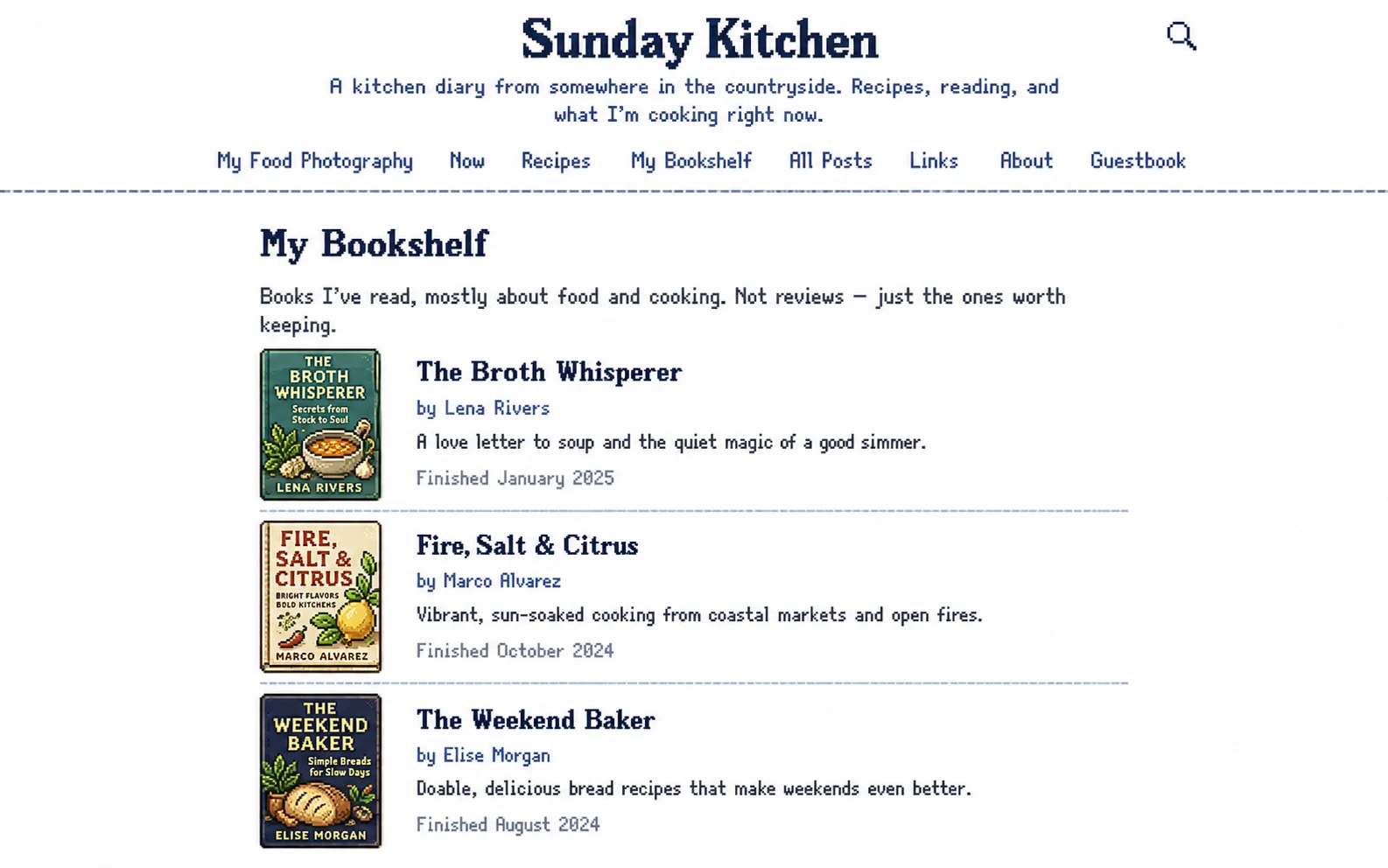
Add a book by ISBN and the cover, title, and author show up automatically. Reorder by dragging. Useful for a year-end reading list, a favourites shelf, or a permanent record of what you've been into.
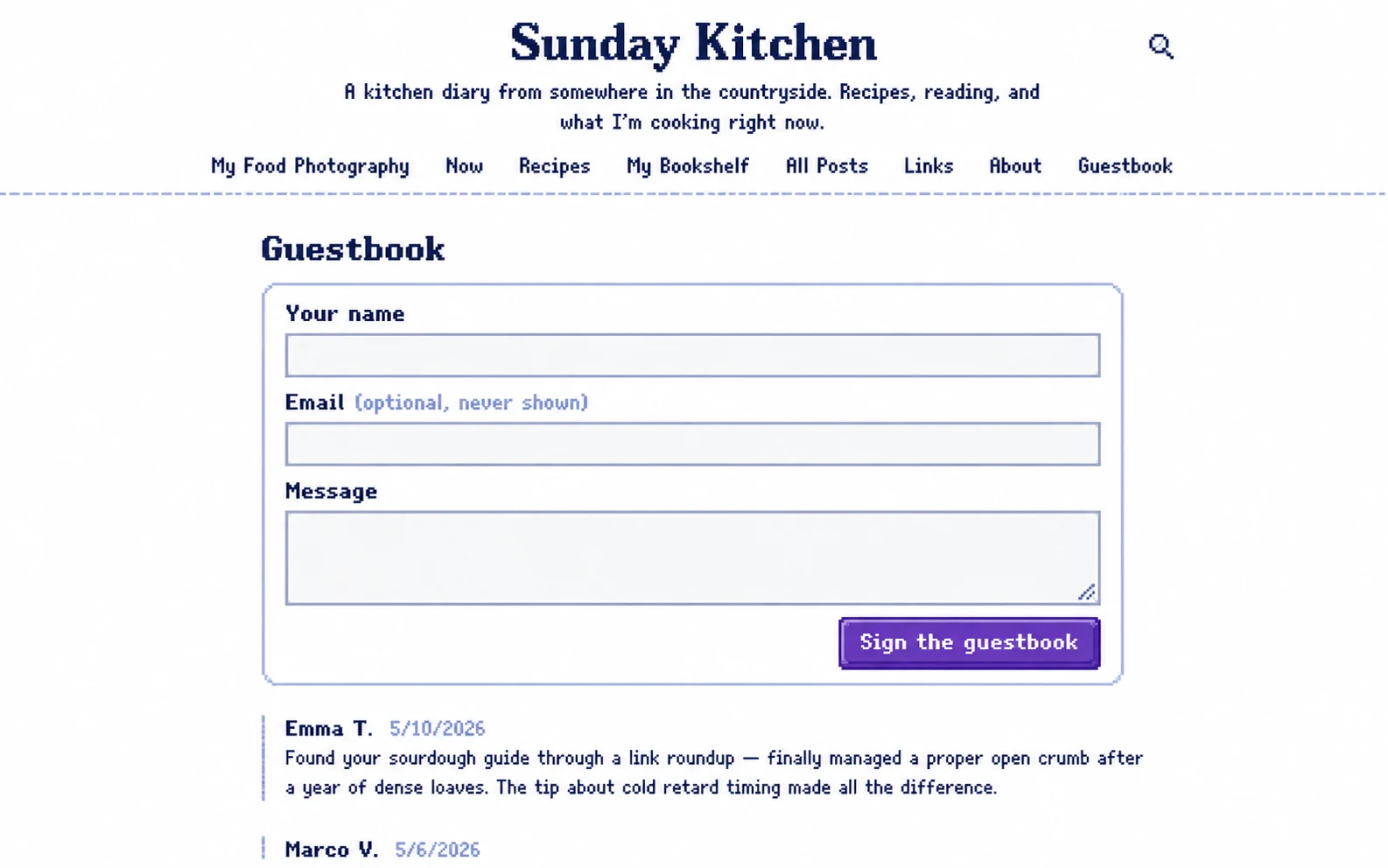
A real guestbook — visitors leave a signed message, you approve what shows. No threaded comment hellscape, no notification fatigue, no spam war. Just a slow, deliberate way for readers to say hello.
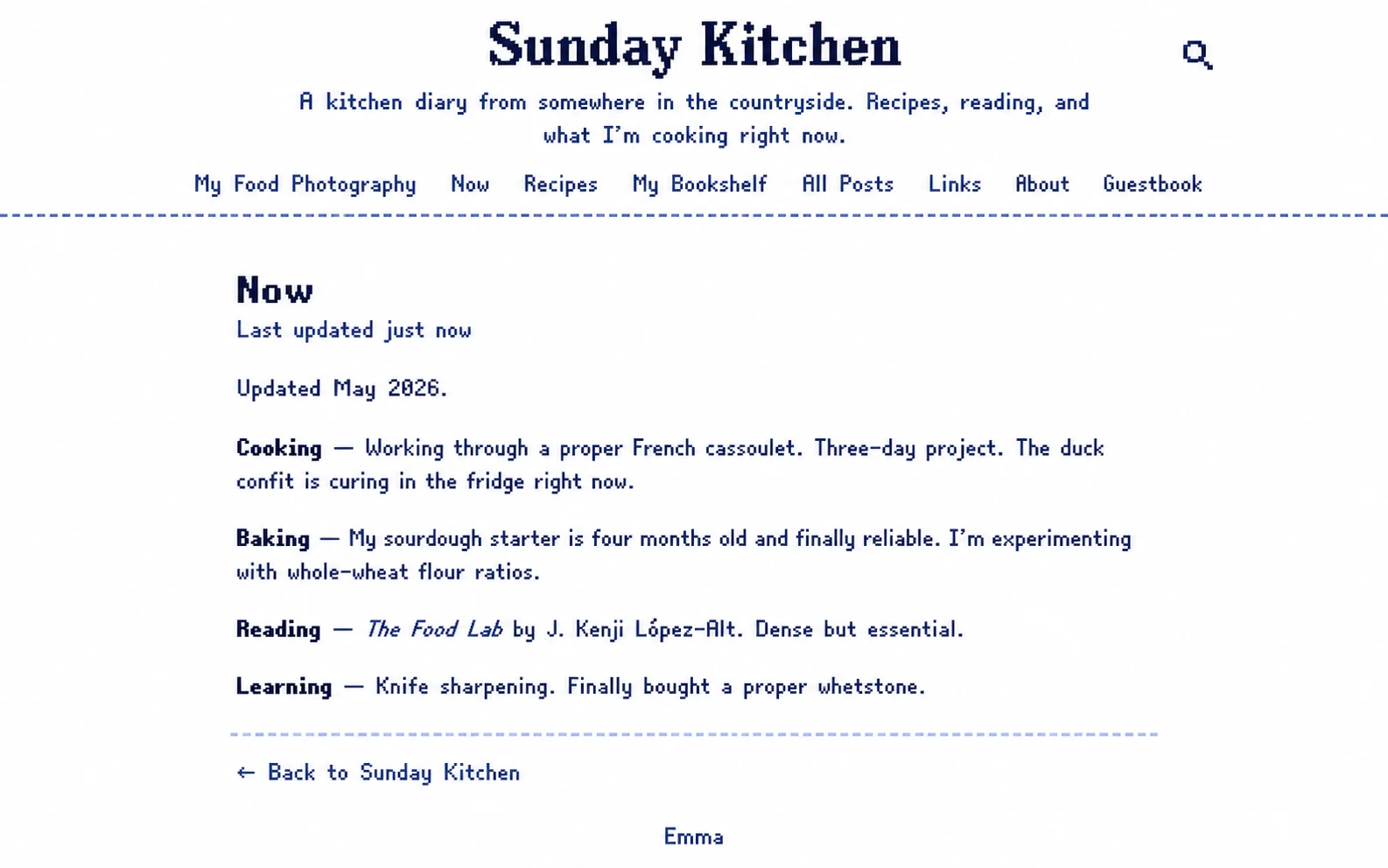
A single page that says what you're up to right now. Reading, building, thinking about. The convention started on the small web a decade ago and it still holds up: a little snapshot of your present, updated when it changes.
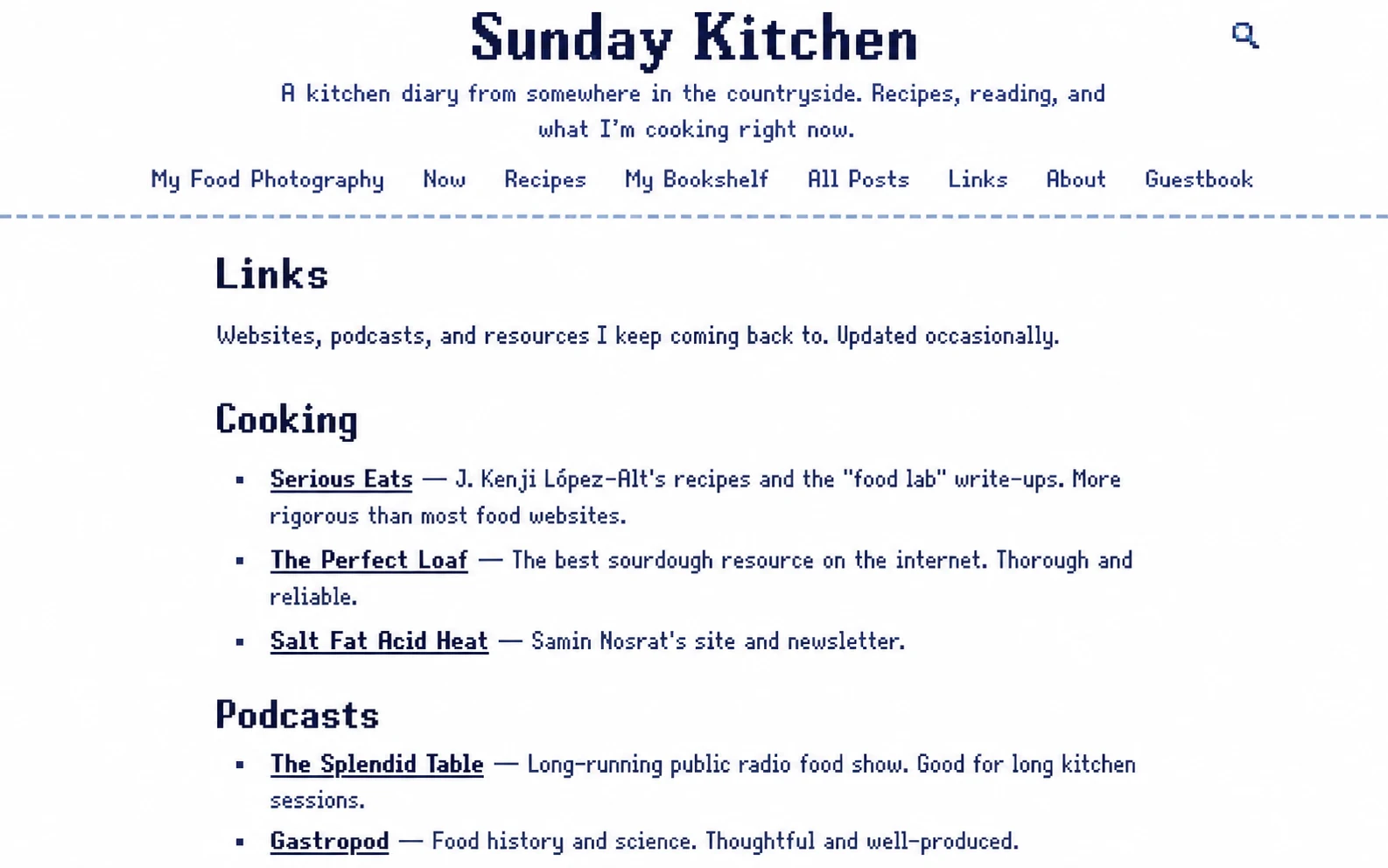
A list of links with titles and short descriptions. Useful for a "blogs I read" page, a portfolio of things you've built, or a curated reading list you keep for yourself.
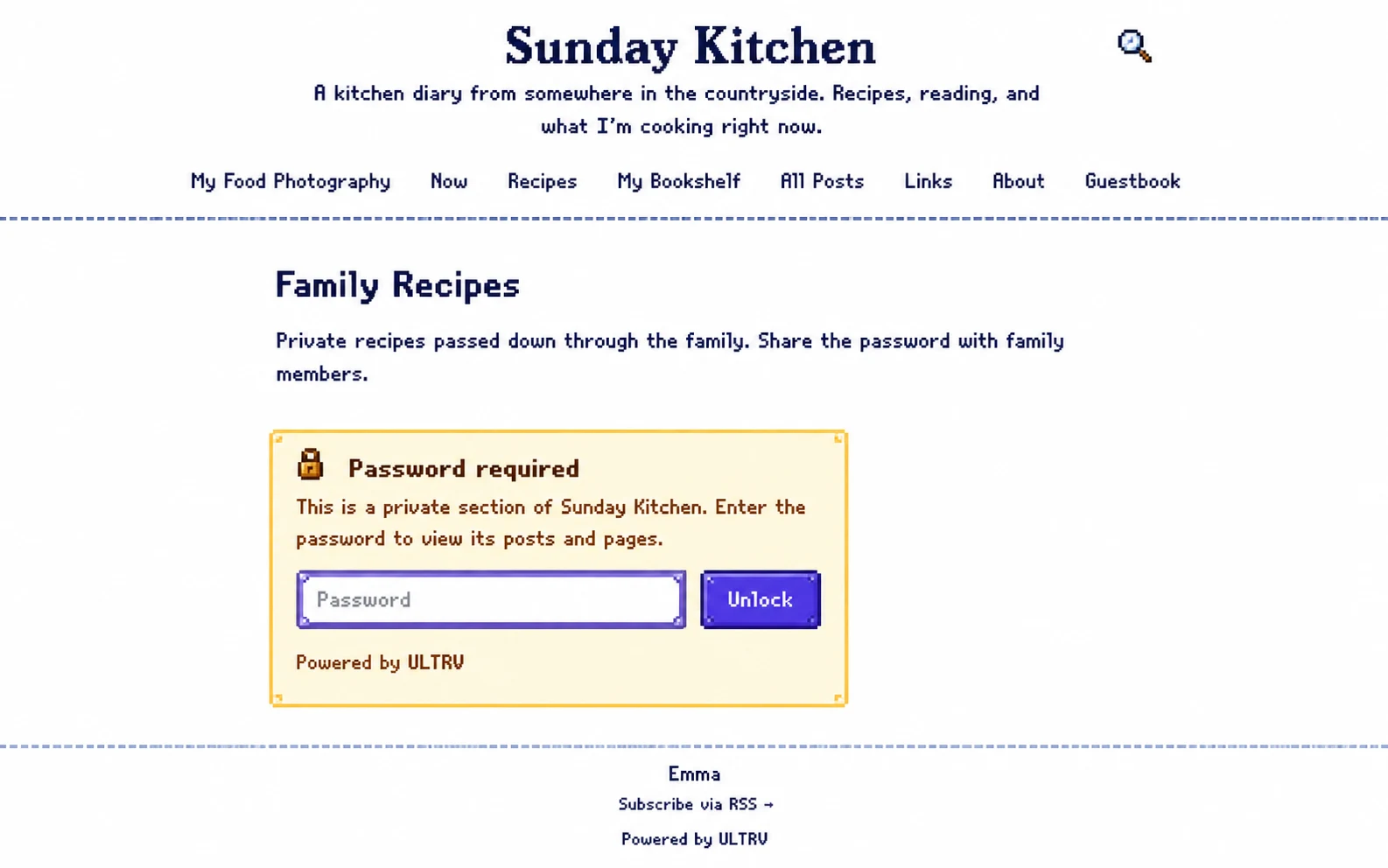
Group posts and pages behind a password. Share the password with whoever you want — family, friends, a small group of subscribers — and they unlock the section in their browser. Public posts stay public; private stays private. One blog, two audiences.

Post lists are themselves a page type, which means you can put one anywhere and pick what it shows. Want a "Photography" page that lists only your photo posts, separate from your main feed? Add a post-list page and filter by tag. Stack as many as you like.
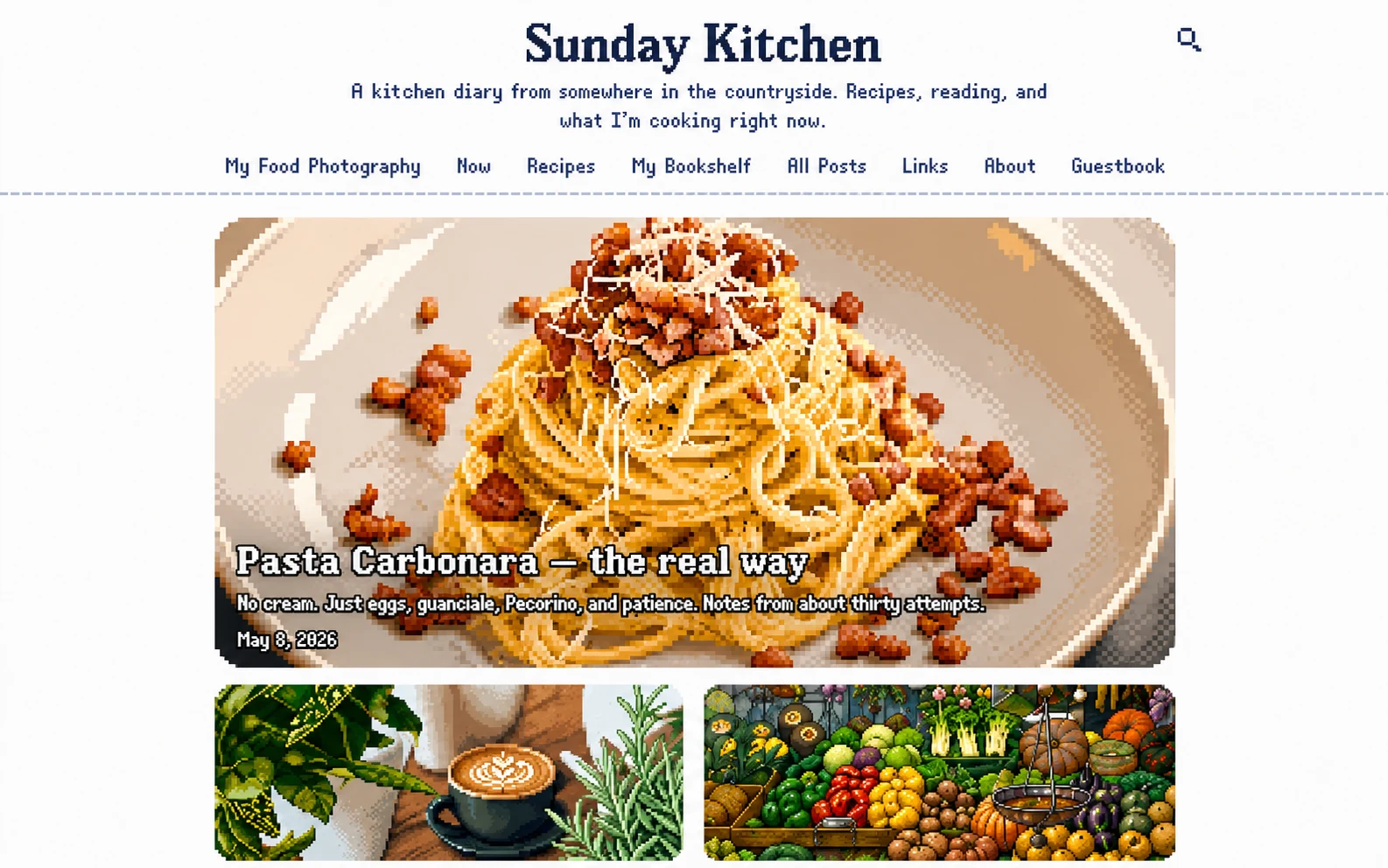
Your blog's landing page doesn't have to be a list of posts. Make your album the front door. Or your now page. Or a hand-written welcome. Whatever the first thing a visitor should see is, set it as the homepage in one click.
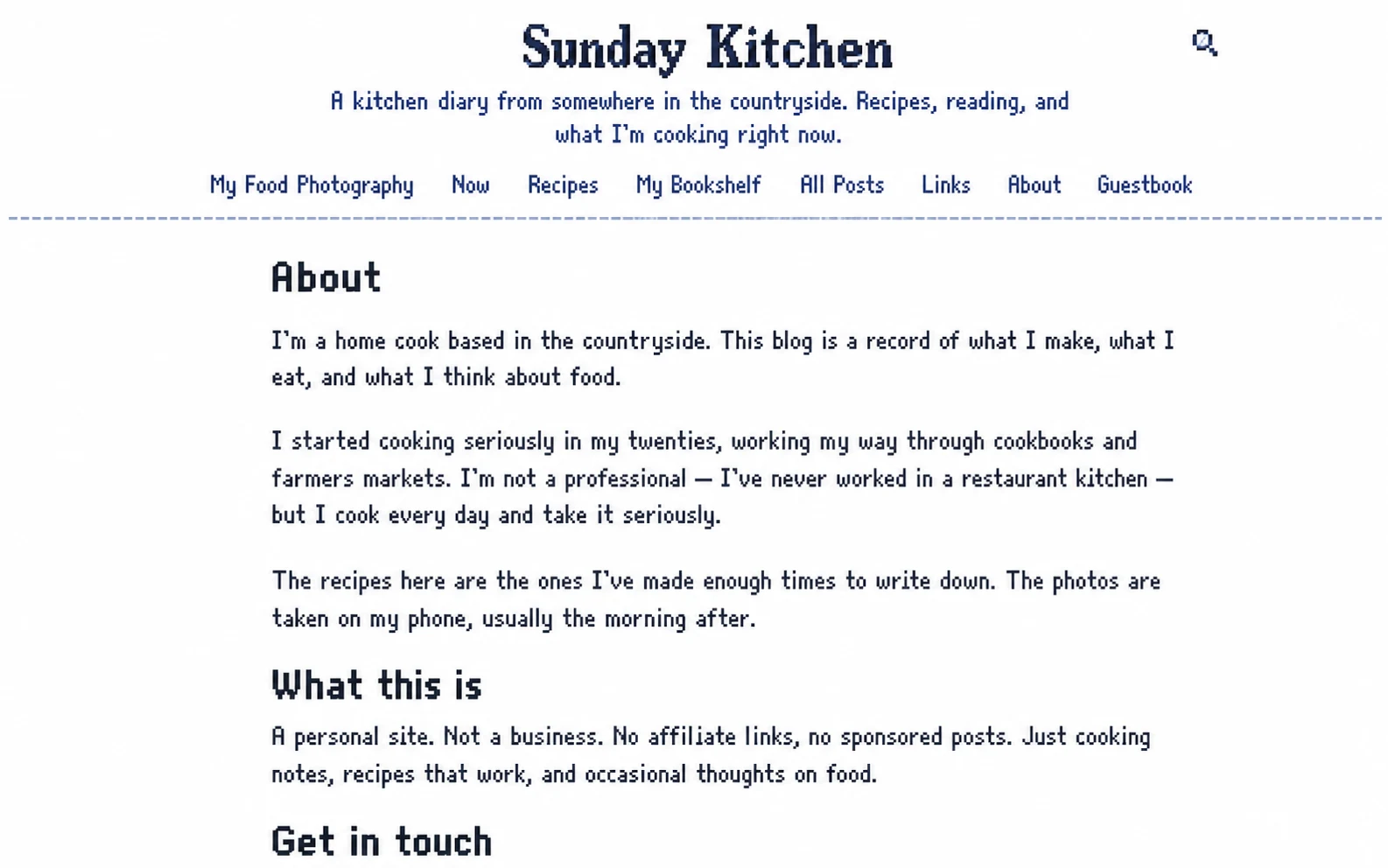
For everything else — about, contact, colophon, FAQ — there's the standard text page. Same rich editor as posts. Reorder them in the navigation by dragging. They show up in your blog's header automatically.